

Back to posts
Released v1.1.1
UI enhancements, bug fixes, and backend improvements for a smoother GlobalQuake experience.
May 31, 2026
Changelog
UI enhancements
- Past earthquakes list now has a scrollbar
- Past earthquakes list buttons now have round corners for a more modern look
- Arrow keys can now be used to navigate the map
- The speed of the arrow key map navigation can be adjusted in the settings
- Plus and minus keys can now be used to zoom in and out of the map
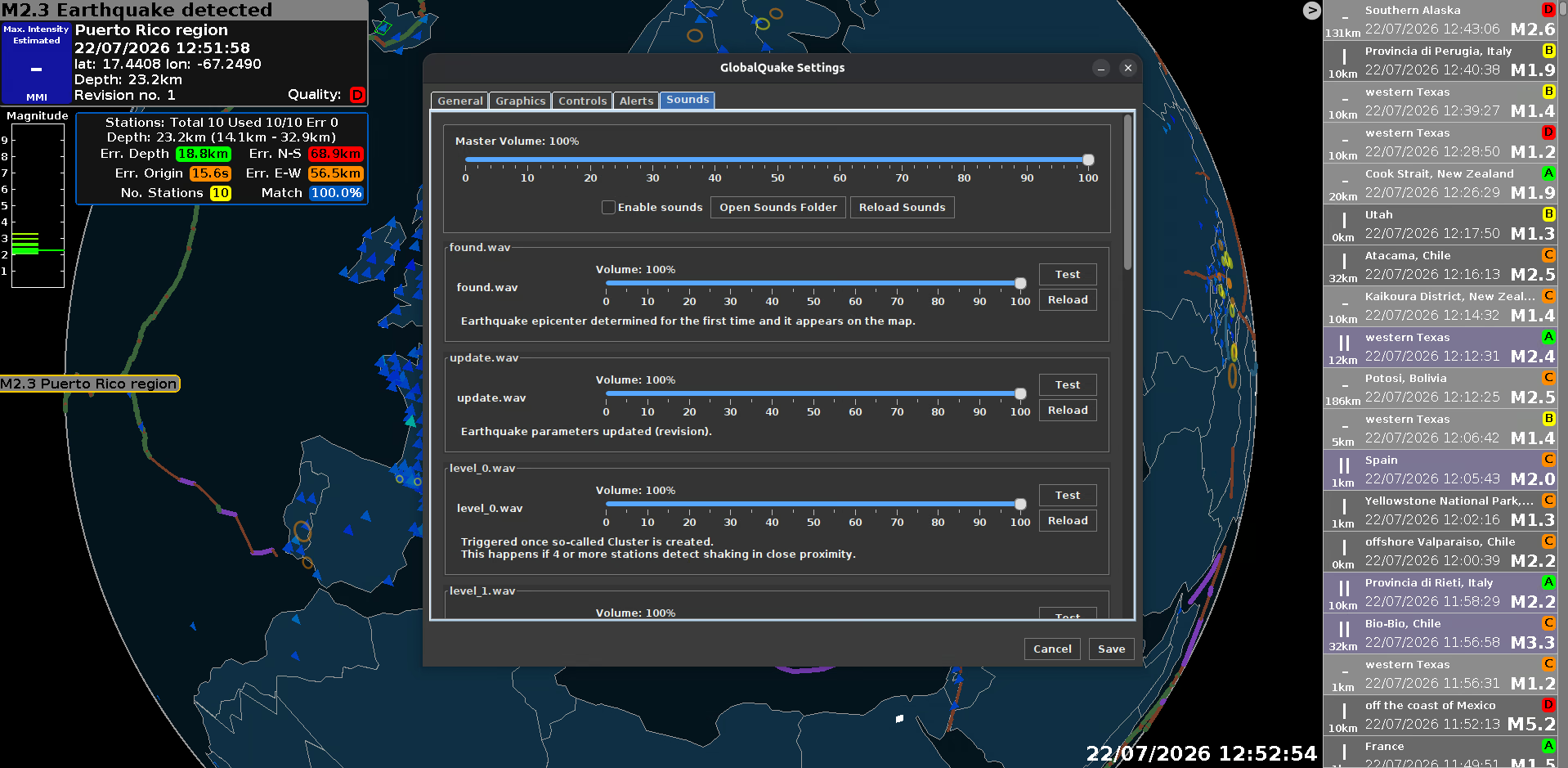
- The settings panel now has toggleable theme. This applies to other helper windows as well, such as the station monitor and earthquake details panel
- Simplified the layout of some pages in the settings panel
- Loading screen has been redesigned with dark theme applied to it
- Some UI components didn't use the default GlobalQuake font, which has been fixed to ensure a consistent look across the application
- Disabled stations blinking effect if the station doesn't have data
Bug fixes
- GlobalQuake now automatically detects the correct sound mixer in the system so that sound effects correctly load on all platforms
- Fixed behavior of the past earthquake count and magnitude filters, which were not working as intended
- All sound effects now have the exact same format for better compatibility
- Added fallback mechanism for opening links from the application, improving compatibility with various platforms
Backend changes
- Improved monitoring of all GlobalQuake server instances to improve reliability and reduce downtime